

Your photos are the listing. Here's how to make them sell.
Why Watch Photography Matters More Than You Think
In the online watch market, buyers cannot hold the watch, feel the weight, or inspect the dial under a loupe. Your photographs are the only thing standing between a scroll-past and a placed bid. Nearly every lot that has finished a Grey Market auction was listed with at least eight photos: the case from every side, the dial up close, the caseback, the clasp and the papers.
The good news: you do not need a professional studio, an expensive camera, or years of experience. A smartphone, natural light, and a structured shot list will get you 90% of the way there. This guide walks you through how to photograph a watch for sale using equipment you already own.
Equipment You Need (and Don't Need)
Before you set up your first shot, here is the only gear that matters:
- A smartphone made in the last four years. Any recent iPhone or Android flagship will produce photos sharp enough for listing purposes. The computational photography in modern phones handles exposure, white balance, and noise reduction automatically.
- A tripod or stable surface. Camera shake is the number-one cause of blurry listing photos. A $15 phone tripod eliminates this entirely. If you do not have one, stack some books and lean your phone against them.
- A sheet of white paper or poster board. This serves double duty: as your background and as a light reflector.
- A microfiber cloth. Fingerprints and dust are magnified in close-up photos. Clean the watch thoroughly before every session.
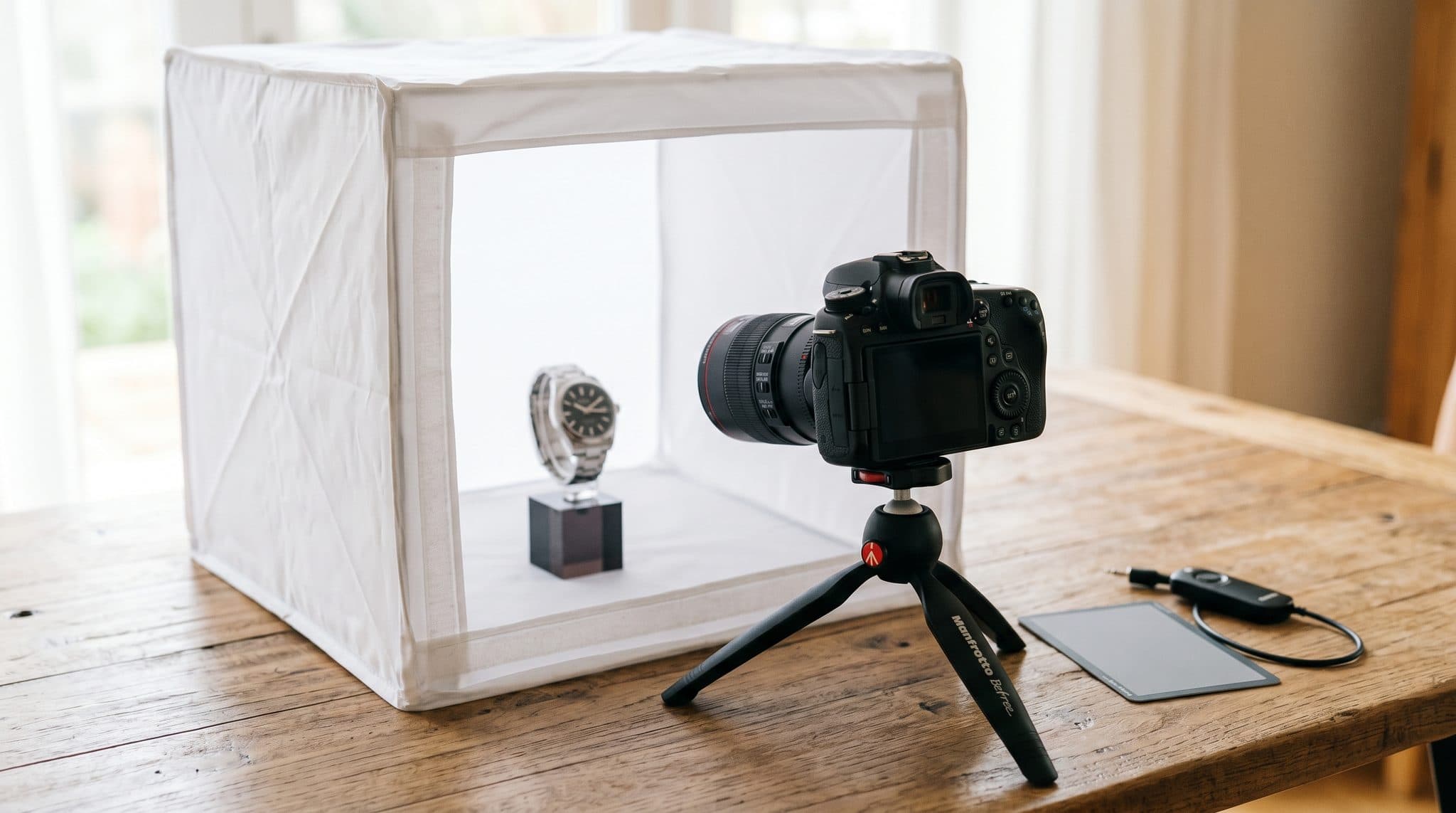
You do not need a DSLR, a ring light, a lightbox, or Photoshop. If you want to level up later, those tools help—but they are not required to produce photos that sell watches.
Lighting: The Single Biggest Variable
Lighting separates amateur listings from ones that look like they belong on Hodinkee. The goal is soft, even illumination with no harsh reflections or deep shadows.
The Window Light Setup
This is the simplest and most effective method for photographing a watch at home:
- Find a window that gets indirect sunlight. North-facing windows work best because the light is consistent throughout the day. Avoid direct sunbeams—they create hot spots on polished surfaces.
- Position your watch 12 to 18 inches from the window on a white surface.
- Place a white sheet of paper opposite the window (on the shadow side of the watch) to bounce light back and fill in shadows.
- Photograph with the light source coming from the 10 o'clock or 2 o'clock position relative to the dial. This angle reveals dial texture and minimizes crystal reflections.
What to Avoid
Never use your phone's flash. It creates a harsh single-point reflection that washes out the dial and makes polished steel look like aluminum. Overhead fluorescent lighting creates an unnatural yellow-green cast. And direct sunlight produces extreme contrast—half the watch will be blown out while the other half falls into shadow.
The 8-Shot Checklist Every Listing Needs
Buyers want to see specific things before they bid. Miss any of these shots and you will get follow-up questions that slow down the sale—or worse, buyers will simply move on to a listing that shows everything upfront.
- Full Dial, Straight On. Set the time to 10:10. This positions the hands symmetrically and leaves the logo and any subdials visible. Shoot perpendicular to the dial so the indices at 12 and 6 are equidistant from the edge of the frame.
- 45-Degree Case Profile. This shot communicates case thickness, lug shape, and overall proportions. Angle the watch so the crown faces the camera at roughly 2 o'clock.
- Crown and Pushers. Zoom in on the crown and any chronograph pushers. Buyers are checking for wear on the crown guards, logo engraving sharpness, and whether pushers are original.
- Caseback. Lay the watch face-down on a soft surface. Capture the full caseback including any engravings, serial numbers, and the condition of the caseback edges.
- Clasp and Bracelet. Open the clasp fully and photograph it face-up. Then shoot the bracelet stretched straight to show link condition and any stretch between the links.
- Lug Close-Ups. This is where experienced buyers look for evidence of polishing. Get close to the lugs—sharp factory edges versus rounded polished edges dramatically affect value.
- Flaws and Imperfections. Photograph every scratch, ding, and mark. Trying to hide damage backfires: it leads to returns, disputes, and negative reputation. Transparency builds trust and actually increases final sale prices.
- Full Set. If you have the box, papers, hang tags, warranty card, or original receipt, photograph them together with the watch. A complete set can add 10 to 20% to the final price depending on the model.
Smartphone Camera Settings That Make a Difference
Most sellers just point and shoot. A few quick adjustments will noticeably improve your results:
- Lock focus and exposure. Tap and hold on the watch dial until you see a lock indicator (AE/AF Lock on iPhone, or a similar indicator on Android). This prevents the camera from refocusing or re-exposing mid-shoot.
- Use the 2x lens if available. The telephoto lens on dual-camera phones produces less distortion than the wide lens, which is important when shooting small objects like watches. If you only have a single lens, step back slightly and crop in post.
- Turn on the grid overlay. Use the rule of thirds to center the watch in the frame. Consistent framing across all eight shots makes your listing look cohesive and professional.
- Use the self-timer or volume button. Pressing the shutter on-screen introduces micro-shake. Either set a 2-second timer or use the volume-up button to trigger the shutter with less movement.
Editing: Less Is More
Post-processing should enhance clarity, not alter appearance. Buyers need to trust that what they see is what they will receive.
Acceptable edits include minor brightness and contrast adjustments, straightening a slightly tilted image, and cropping to improve composition. The built-in photo editor on your phone handles all of this.
Edits to avoid: color filters, saturation boosts (which make dials look different from reality), heavy sharpening (which creates unnatural halos around edges), and any retouching that conceals damage or wear. If your photos need heavy editing to look good, the issue is your lighting setup—go back and fix that first.
Common Mistakes That Kill Listings
After reviewing thousands of watch listing submissions, these are the errors we see most often:
- Cluttered backgrounds. A watch photographed on a messy desk next to a coffee mug and a pile of mail looks like a garage sale, not a luxury item. Use a clean, neutral background—every time.
- Wrist shots only. Wrist shots are great for Instagram but terrible for selling. Buyers cannot assess condition, read serial numbers, or inspect bracelet stretch from a wrist shot. Include one if you want, but it should never replace the eight required detail shots.
- Too few photos. Three photos of a $8,000 watch tells buyers you are either lazy or hiding something. Both interpretations lose you money.
- Photos in dim lighting. Dark, grainy photos make even a mint-condition watch look tired. If your room is too dark, wait for daytime and use window light.
Ready to List?
Great photos are the foundation, but they are just one part of a successful sale. Next, you will need to write a listing that converts, choose the right sales channel, and know how to ship your watch safely. For the complete playbook, read our Ultimate Guide to Selling Your Luxury Watch Online.
When your photos are ready, list your watch on Grey Market and let our AI verification handle the rest.